Standard Chartered 360 Rewards
Standard Chartered keeps rewards inside Online Banking or SC Mobile. It is a straightforward portal flow with fewer transfer-style branches than the premium Indian travel portals.
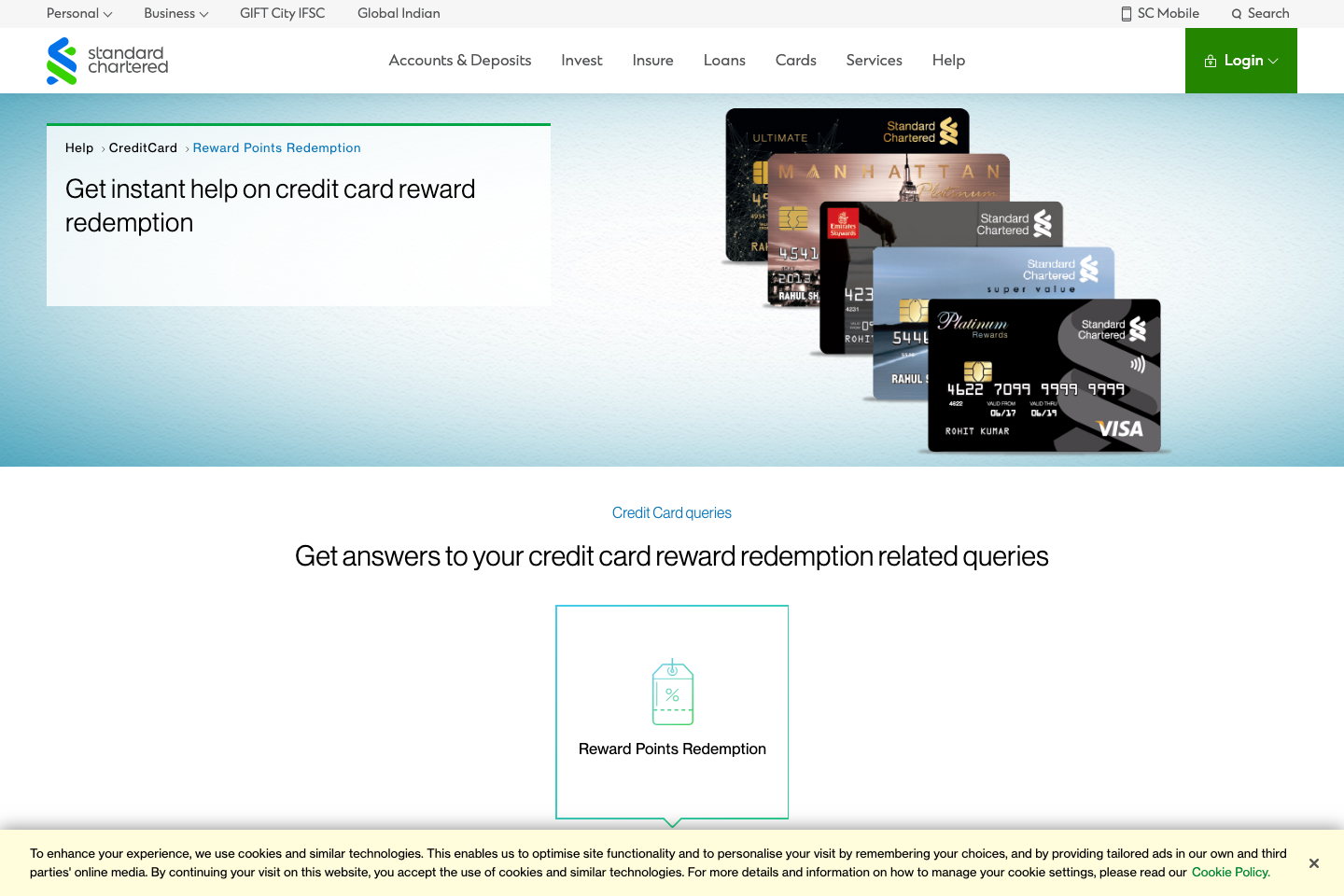
Standard Chartered 360 Rewards is built around fixed-value catalogue and statement balance use — direct airline transfers are not the main play. Partner tiles will land here if SC adds airline transfers.
- Travel and catalogue redemption both sit under the 360 Rewards surface.
- Most cards are better for fixed-value redemption than for complex transfer workflows.
- Hotel use is easiest through the rewards portal once you have confirmed the point value.
- The app and online banking flows are equivalent; use whichever is faster.
- Standard Chartered publishes separate values for catalogue versus statement-balance redemption on some cards.
- Use the 360 Rewards portal or SC Mobile, not the public marketing page, for the actual redemption flow.
Structured the same way a points tutorial would walk you through the portal: where to start, what to click, and what to double-check before confirming.
Start in Online Banking or SC Mobile
Standard Chartered officially documents both. Online Banking is the clearer desktop flow, while SC Mobile gives you a fast app path for the same portal.
Use SC Mobile if you prefer the app
The mobile path is similar: open the app, choose Credit Card Rewards from the left-side menu, then continue into the portal.
Review value and submit the redemption
Once the 360 Rewards page loads, confirm whether you are redeeming against catalogue value or statement value, then follow the portal prompts to finish the redemption.