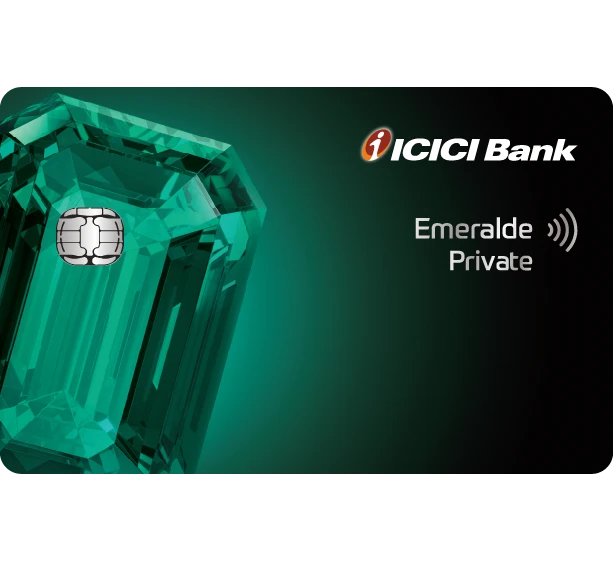
ICICI Bank Rewards
ICICI keeps the redemption flow inside Internet Banking or iMobile Pay. It is a cleaner banking-app flow than a separate travel portal, so the main job is choosing the correct redemption type before you confirm.
We'll drop a fresh capture in here once ICICI Rewards is reachable from our crawler.




ICICI's transfer roster is narrower than Amex or Axis. Premium tiers like Emeralde Private Metal unlock the strongest options — check inside iMobile Pay before assuming a partner is live.
- ICICI lets you redeem through Internet Banking or iMobile Pay.
- Use iShop or the rewards area when you want travel-booking redemptions instead of a simple catalogue redemption.
- Hotel redemption is handled through the ICICI rewards ecosystem rather than a separate travel-branded portal.
- Check whether the card supports the new ICICI rewards platform before assuming the same flow.
- ICICI charges a redemption handling fee on many reward redemptions.
- If you are deciding between travel and statement-style value, compare the actual redemption ratio before confirming.
Structured the same way a points tutorial would walk you through the portal: where to start, what to click, and what to double-check before confirming.
Open the rewards area from Internet Banking
ICICI's official flow starts inside Internet Banking. Once you are signed in, the rewards section is nested under Cards and Loans.
Select the card and choose redeem
After the rewards page loads, choose the card you want to redeem against, then enter the redemption catalogue or travel path and confirm the order or booking.
Use iMobile Pay if you prefer the app flow
ICICI also supports the same redemption journey inside iMobile Pay, which is useful if you want to handle travel redemption from your phone.