
Axis Travel EDGE / EDGE Rewards
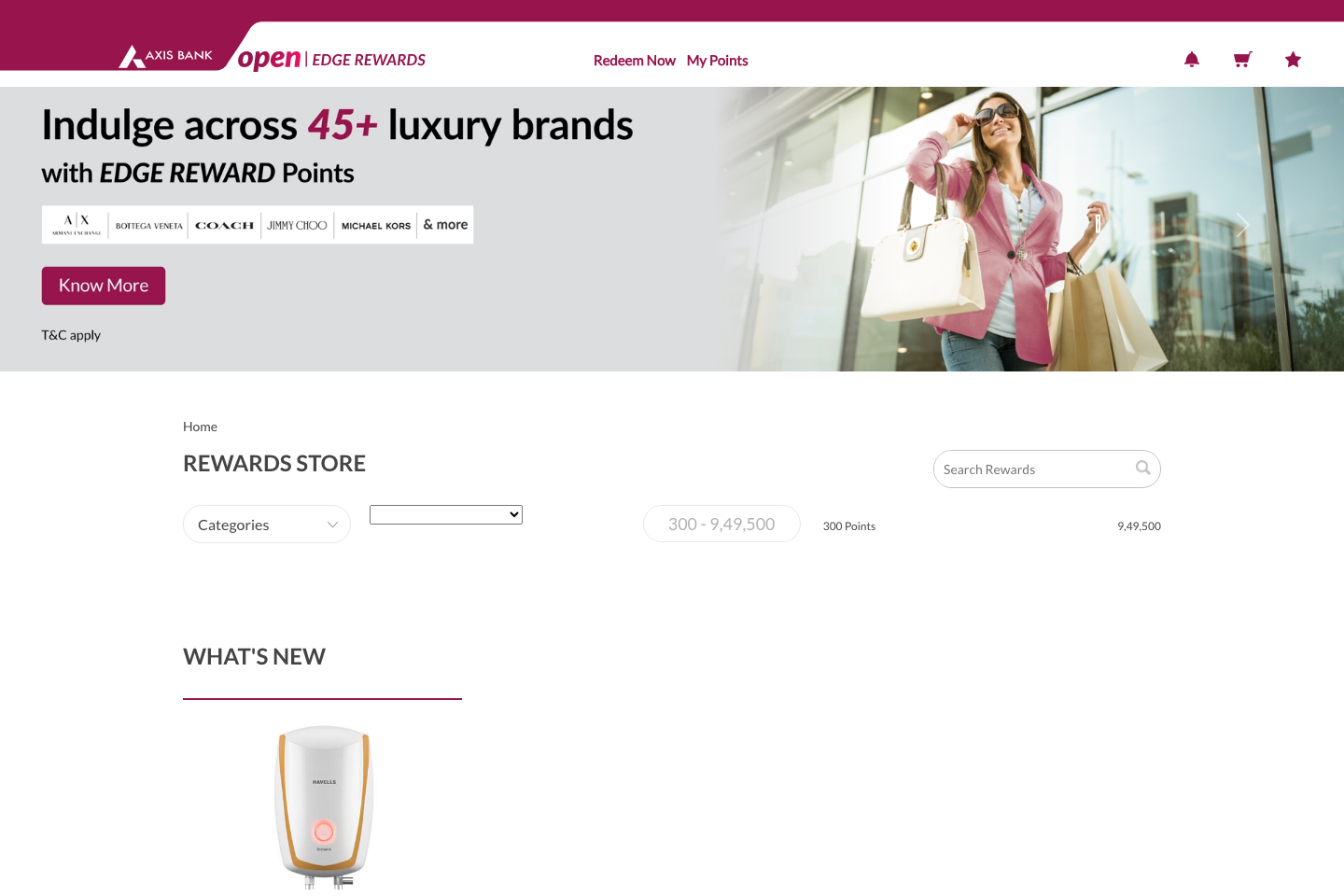
Axis splits redemptions between the EDGE Rewards layer and the Travel EDGE travel workflow. Use the mobile-app rewards entry point for catalogue and portal redemption, and Travel EDGE for point-to-mile moves.











Atlas, Reserve, Magnus, and entry tiers each unlock a different subset of partners. Always verify the visible roster inside Travel EDGE for the card you hold.
- Travel EDGE is the right path for flight and hotel portal bookings.
- Atlas and premium travel users should also check the dedicated points or miles transfer flow.
- Travel EDGE handles hotel bookings with points-plus-cash style usage.
- Hotel partner and transfer promotions can materially change the best path.
- The mobile-app rewards entry point and the Travel EDGE transfer path are different surfaces.
- Transfer ratios can make direct partner transfers better than portal checkout for premium awards.
Structured the same way a points tutorial would walk you through the portal: where to start, what to click, and what to double-check before confirming.
Start from the Axis mobile app or rewards portal
Axis officially documents the mobile path first. From there you can branch into Rewards Store, Travel EDGE, or partner deals depending on the redemption type.
Choose Travel EDGE for flights and hotels
If you are redeeming toward travel inventory, jump into Travel EDGE rather than the generic rewards catalogue so you can search travel and use points in the booking flow.
Use the dedicated transfer path for airline or hotel partners
When you want a partner transfer instead of a portal booking, Axis documentation points cardholders to the Travel EDGE transfer area inside the portal.